If you are looking for the best AI flashcard generator in 2026, start by matching the tool to your source and review method. Knowt is a practical all-in-one option, Google NotebookLM is strongest for cards grounded in supplied sources, RemNote connects notes with spaced repetition, Quizlet offers a familiar study ecosystem, and ChatGPT is useful for drafting cards in a custom format. The right choice depends on what happens after generation: editing, source checking and repeated retrieval matter more than the number of cards produced.
Last checked September 4, 2026. We added NotebookLM and RemNote to the main comparison and moved StudySmarter and Brainscape to the alternatives section. Features and plan limits can change.
If price is the deciding factor, use our separate comparison of free AI flashcard generators. For specific inputs, see the guides to creating cards from notes and PDF files.
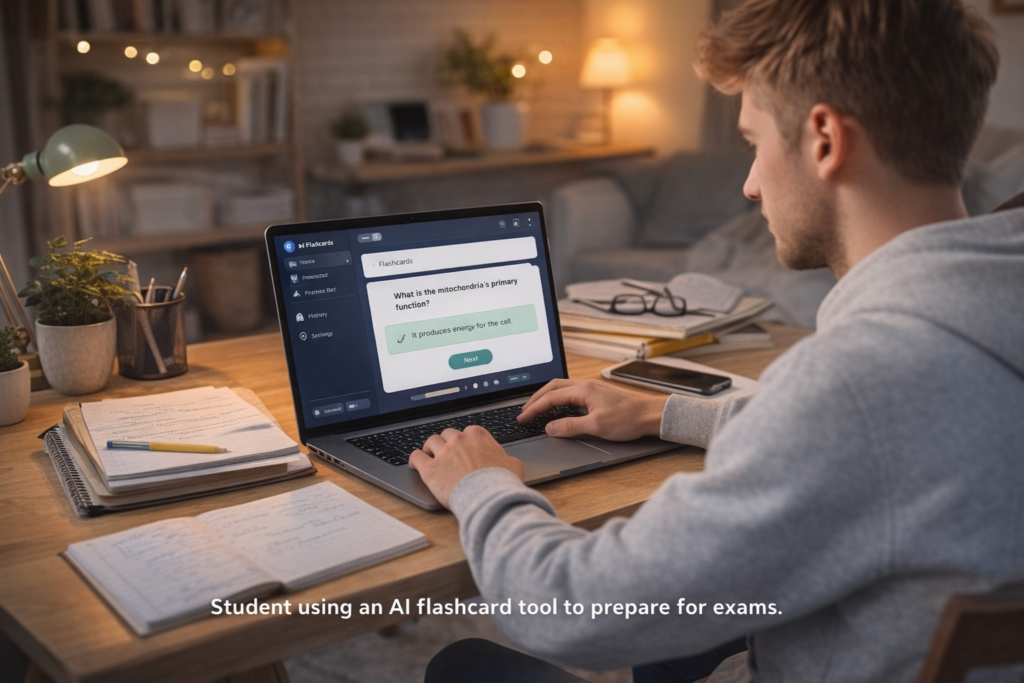
AI flashcard generators: quick comparison
| Tool | Best for | Strong point | Main limitation |
|---|---|---|---|
| Knowt | All-in-one generation and practice | Notes, PDFs, lectures and several study modes | Check the current AI allowance |
| Google NotebookLM | Cards from trusted sources | Source-grounded flashcards, quizzes and citations | Not a full spaced-repetition system |
| RemNote | Long-term study | Notes, flashcards and scheduled review in one workspace | More setup than a simple generator |
| Quizlet | Familiar practice modes | Large ecosystem and approachable interface | Useful modes and AI features may require payment |
| ChatGPT | Custom card formats | Flexible prompts and structured exports | No dedicated review scheduler in the chat workflow |
How we evaluated the tools
- Input support: the types of notes, files or media the tool can process.
- Source control: whether a student can trace an answer back to the material.
- Editing: how easily vague, duplicated or incorrect cards can be corrected.
- Practice: whether the platform supports retrieval rather than generation alone.
- Portability: options for export, mobile study or moving a deck elsewhere.
- Limits: restrictions that could interrupt a real course workflow.
We did not award points for promotional claims about speed or grades. An impressive-looking deck is not useful if the answers are unsupported or the student never retrieves them from memory.
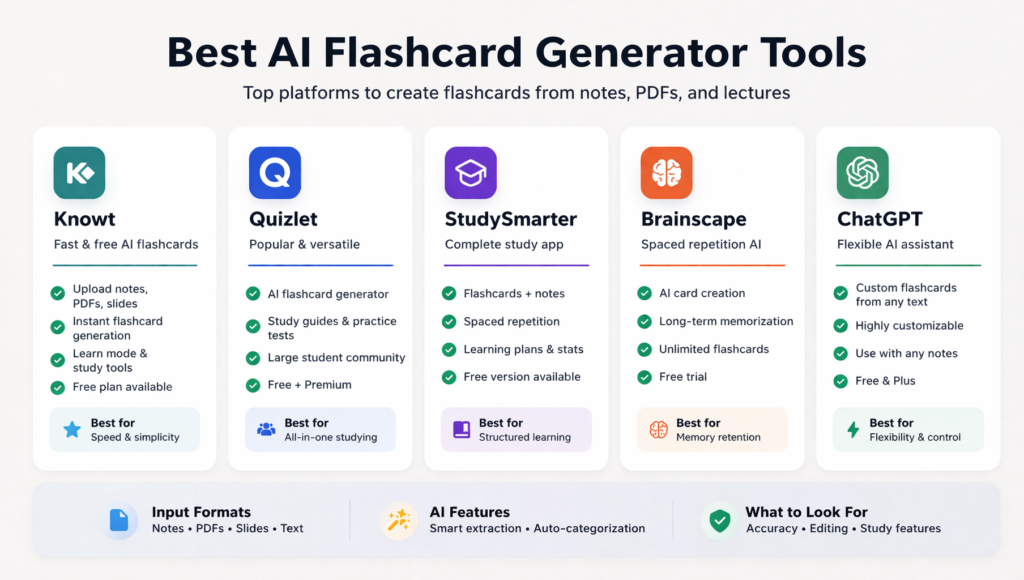
1. Knowt — best all-in-one option
Knowt can turn notes, PDFs, slides and lecture material into flashcards, quizzes and study guides. Its free Learn Mode and multiple practice formats make it a practical starting point for students who want generation and review in the same product.
Choose it when: you want to move quickly from a source to a usable practice deck. Check before committing: current AI-generation and upload limits. Knowt’s study modes may be free even when some automated actions are capped.
2. Google NotebookLM — best for source-grounded cards
NotebookLM is the strongest choice when accuracy must be checked against a defined source set. Google has added flashcards, quizzes and a Learning Guide based on notebook sources. Citations make it easier to inspect why a card contains a particular answer.
Choose it when: you are studying assigned readings, lecture slides or a closed course pack. Main limitation: it is designed around source exploration, not a mature spaced-repetition schedule. Export or use another tool for long-term review if necessary.
3. RemNote — best for notes and spaced repetition
RemNote keeps flashcards inside a note system and schedules them for spaced review. It supports several card types, PDF annotation and AI generation from notes and documents. This makes it suitable for a semester-long knowledge base rather than a disposable deck.
Choose it when: you want cards to remain connected to notes and to reappear over time. Main limitation: the interface and card system require more setup, and advanced AI use may depend on the current plan.
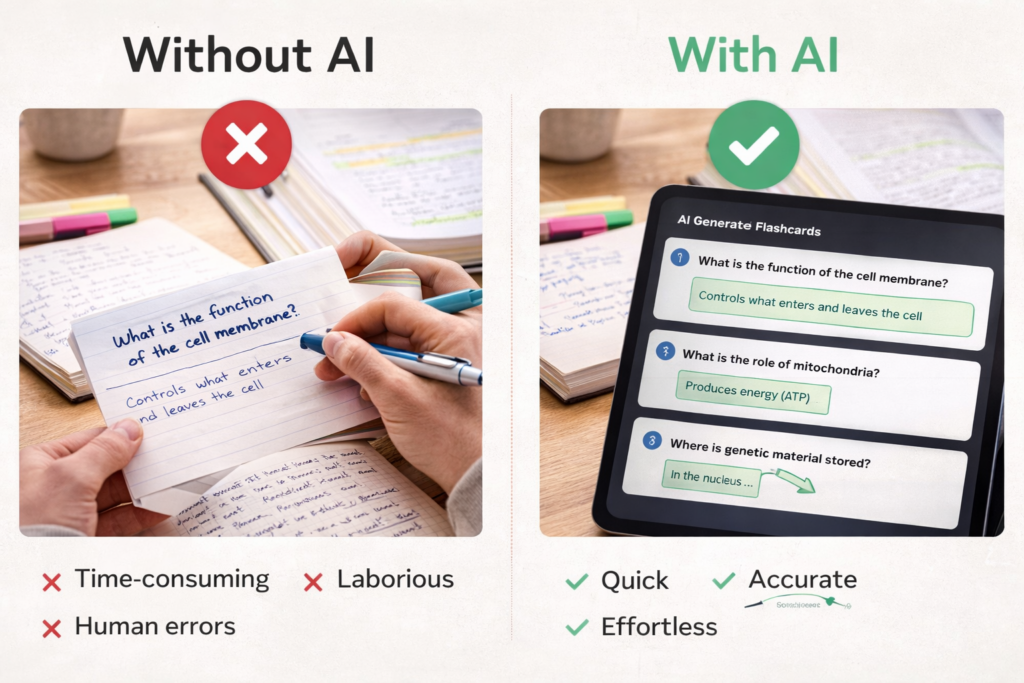
4. Quizlet — best familiar ecosystem
Quizlet remains easy to learn and has a large collection of public study sets. Students can create their own cards and use different practice formats. It is a sensible option for users who value a familiar interface more than detailed source citations.
Choose it when: you want straightforward card creation, sharing and practice. Main limitation: feature availability has changed over time, with some AI, Learn and test functions tied to Quizlet Plus. Public decks also require independent checking.
5. ChatGPT — best for custom card drafting
ChatGPT can draft cards in a precise format, separate decks by learning objective and return output as a table or import-friendly text. Study Mode can also ask questions interactively. It is useful when a dedicated platform cannot produce the card type a subject requires.
Choose it when: you need custom instructions, such as separate fields for source, confidence or common error. Main limitation: chat output is not a complete flashcard system. Answers can be wrong, and scheduling or repeated review usually happens elsewhere.
Tools also considered
StudySmarter remains useful as a broader study platform, but it is less distinctive for source-grounded generation than NotebookLM and less integrated with long-term card review than RemNote. Brainscape provides confidence-based repetition, but we found less clear current evidence for a competitive AI-generation workflow. Anki remains highly capable for spaced repetition and customization, but AI generation generally depends on external tools or add-ons, so it is not ranked here as a native AI generator.
Which generator should you choose?
| If you need… | Start with… |
|---|---|
| Generation plus approachable practice modes | Knowt |
| Cards tied closely to uploaded sources | NotebookLM |
| Notes and long-term spaced review | RemNote |
| A familiar platform with public sets | Quizlet |
| A custom schema or export format | ChatGPT |
Test one chapter before moving an entire course. Count how many cards are correct without editing, how many are ambiguous and how easily you can return to the source. The best tool is the one that produces the smallest amount of correction work while still supporting useful retrieval.
How to create a reliable deck
- Define the learning objective and select only the relevant source.
- Generate 10 to 20 cards as a pilot rather than processing everything.
- Keep one testable idea on each card.
- Verify every definition, number, formula and exception.
- Add comparison and application questions, not only definitions.
- Study without revealing the answer and review errors again later.
Using only the attached source, draft 15 flashcards for objective 2. Include definitions, comparisons and short applications. Put one idea on each card, cite the source page in the answer and mark unsupported information “check source.”
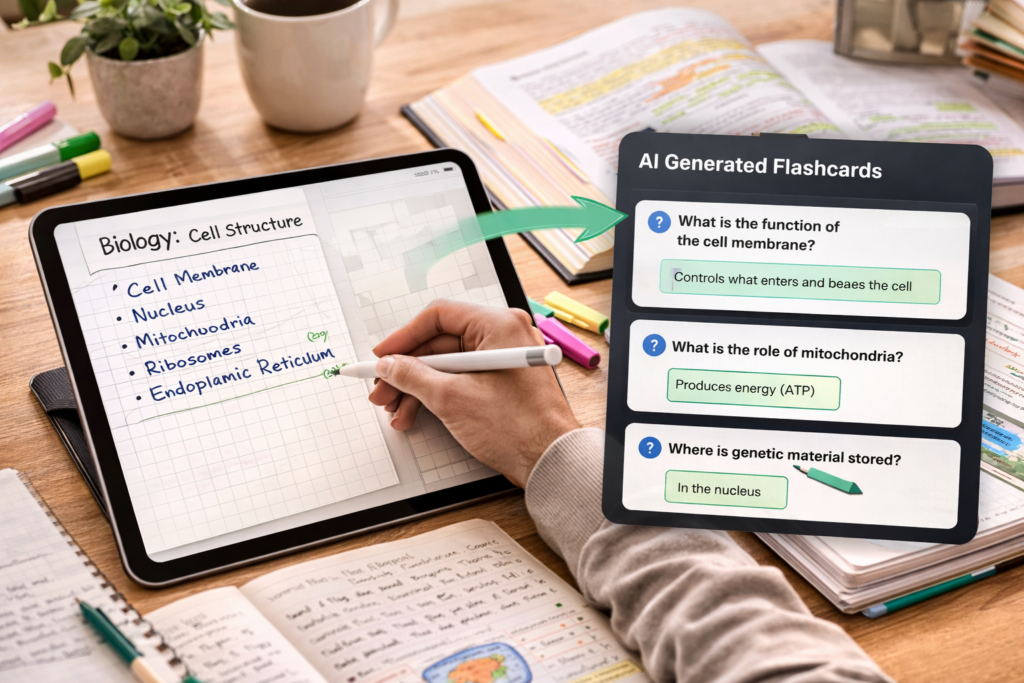
Are AI flashcards effective?
They can support effective practice when the student attempts an answer before revealing it. Research on the testing effect found that retrieval practice can improve delayed retention compared with additional study. The benefit comes from retrieval and feedback, not from AI generation itself.
Avoid treating card creation as the end of the task. Generated decks still need source checks, and subjects involving essays, complex diagrams or multi-step calculations require additional practice formats.
Frequently asked questions
What is the best AI flashcard generator?
Knowt is the most balanced starting point for generation and practice. NotebookLM is better for source-grounded cards, while RemNote is stronger for notes and long-term review.
Can AI create flashcards from a PDF?
Yes, several tools can process PDFs. Scans, tables, equations and diagrams may be extracted incorrectly, so test difficult pages and verify every answer.
Should I pay for a flashcard generator?
Only after testing the workflow on real material. A paid plan may be worthwhile for larger uploads, exports or repeated AI use, but it will not correct poor questions automatically.
Sources and update notes
- Knowt: product and study-mode information.
- Google: NotebookLM student features.
- RemNote: notes, flashcards and AI features.
- OpenAI: ChatGPT Study Mode.
- Roediger and Karpicke (2006): Test-Enhanced Learning.
Editorial note: Rewritten September 4, 2026 to update the product selection, distinguish generation from practice and remove promotional conclusions. EduAI Tools has no commercial relationship with the tools listed.