The best AI study guide generator depends on the source material and the kind of practice you need. Google NotebookLM is our first choice for a guide grounded in uploaded course sources; ChatGPT Study Mode is stronger for guided questions; Gemini Guided Learning is useful for personalized lessons; Quizlet connects material to flashcards and tests; and Notion AI fits students who already organize their notes in Notion.
Last checked September 4, 2026. We reviewed current product information and removed QuillBot and Studyable from the main recommendations: QuillBot is primarily a summarization and writing tool, while our Studyable test found inconsistent instruction-following.
This page compares products. For the full method—including source preparation, fact-checking and retrieval practice—follow our tutorial on how to create a study guide with AI.

Quick comparison
| Tool | Best for | Useful output | Main limitation |
|---|---|---|---|
| Google NotebookLM | Studying from a defined set of sources | Cited explanations, study guides, flashcards and quizzes | You still need to inspect each citation and source |
| ChatGPT Study Mode | Guided problem solving | Interactive questions, explanations and custom guide formats | Can make errors or give the answer too directly |
| Gemini Guided Learning | Personalized lessons | Study guides, quizzes and visual learning activities | Availability and limits may vary by account |
| Quizlet | Moving from a guide to active recall | Flashcards, practice questions and tests | Generated cards can be shallow or ambiguous |
| Notion AI | Organizing an existing notes workspace | Summaries, outlines and editable pages | Less focused on assessment and recall practice |
There is no paid placement in this list. We choose tools by study use case, source control, editability, practice features and the clarity of their limitations. Plan details change frequently, so confirm file limits, privacy terms and pricing on the provider’s site.
What is an AI study guide generator?
An AI study guide generator turns notes, PDFs, slides or other learning material into a more structured resource. Depending on the product, that resource may include an outline, concise explanations, key terms, comparisons, flashcards or practice questions.
The phrase covers several different kinds of software. NotebookLM is designed around supplied sources; general assistants can follow a custom format; note platforms keep the result inside a workspace; flashcard apps emphasize self-testing. A good choice is therefore not the tool that produces the longest summary, but the one that supports the next learning action.
How we evaluated the tools
- Source control: can the student see where a claim came from?
- Structure: can the output follow learning objectives rather than generic topic headings?
- Editability: can weak explanations and questions be corrected easily?
- Practice: can the guide lead to retrieval questions, quizzes or flashcards?
- Limits: are likely errors, privacy issues and plan restrictions understandable?
We did not rank a tool because it can generate text quickly. Speed is useful only if the result is easier to verify and study from.
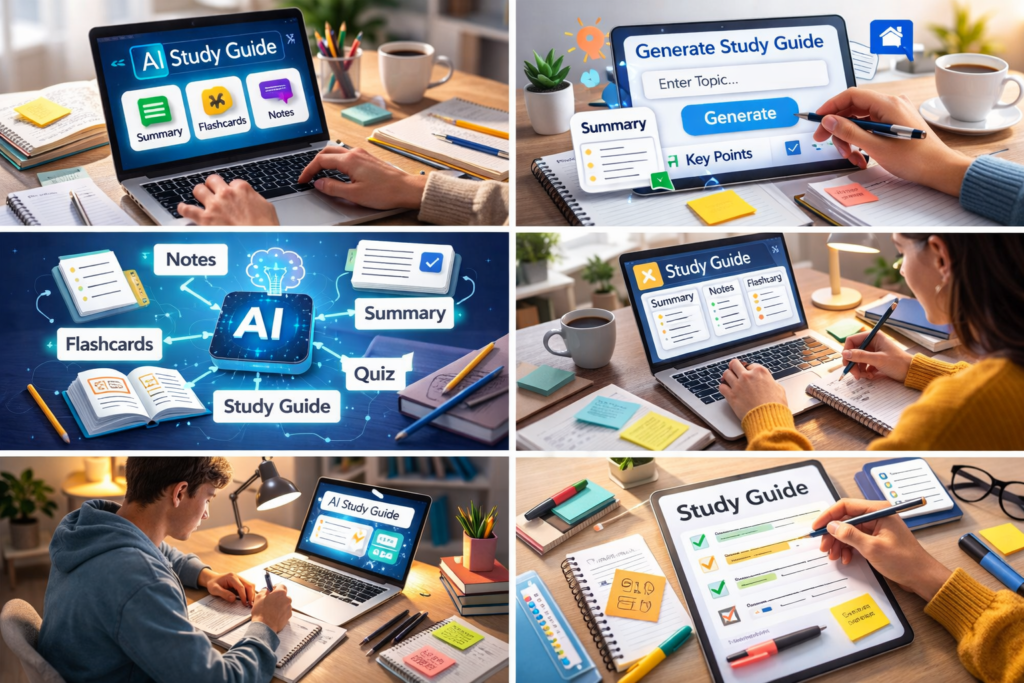
The best AI study guide generators
1. Google NotebookLM — best for source-grounded guides
NotebookLM is the strongest starting point when the assigned sources should remain central. Students can add supported material, ask questions about it and inspect inline citations. Google has also added student features that create flashcards, quizzes and a Learning Guide from notebook sources.
Choose it when: you have a defined source pack such as lecture slides, readings and a syllabus. Watch for: a citation is evidence to inspect, not proof that the generated wording is accurate or complete.
2. ChatGPT Study Mode — best for guided questions
ChatGPT Study Mode is designed to work through a topic with interactive questions and step-by-step explanations. It is useful when a student needs more than a static outline—for example, to diagnose why an answer is wrong or to adapt the difficulty after each response.
Choose it when: you want a custom guide and a conversational tutor in the same workflow. Watch for: OpenAI notes that the mode can behave inconsistently and may sometimes provide a direct answer, so important content still needs checking.
3. Gemini Guided Learning — best for personalized lessons
Gemini’s learning features can turn a topic or uploaded material into explanations and practice activities. Google describes Study Notebooks as a way to create personalized lessons, study guides and quizzes around class material.
Choose it when: you prefer a lesson-style path with follow-up questions and visual support. Watch for: features may roll out by region, age or account, and generated examples can extend beyond the source pack.
4. Quizlet — best for moving into practice
Quizlet is useful when the finished guide must become flashcards, matching activities or practice tests. It is less suitable as the only place to build a detailed, cited explanation, but strong for repeated retrieval once key terms and questions have been checked.
Choose it when: memorization and self-testing are the next steps. Watch for: automatically generated cards may combine multiple ideas or use a clue that gives away the answer. Edit before studying.
5. Notion AI — best for organized notes
Notion AI works inside pages, documents and databases. It can help turn a course workspace into outlines and summaries without moving material between several apps. This is convenient for students who already keep subjects, assignments and notes in Notion.
Choose it when: organization and editable notes matter more than automated testing. Watch for: it is a general workspace product, so you need to define the study-guide structure and create retrieval questions deliberately.
Tools we removed from the main list
QuillBot remains useful for summarizing and revising text, but that is narrower than a full study-guide workflow with source checks and practice. Studyable offers student-oriented chat and flashcards, but our hands-on Studyable AI review found inconsistent instruction-following and unclear public plan details. Both can still be tried for a specific task; neither is currently one of our five primary recommendations.
Which tool should you choose?
| If your main problem is… | Start with… |
|---|---|
| Keeping the guide tied to assigned sources | NotebookLM |
| Understanding a difficult concept step by step | ChatGPT Study Mode |
| Building a personalized lesson around a topic | Gemini Guided Learning |
| Turning checked content into recall practice | Quizlet |
| Organizing notes, tasks and the guide together | Notion AI |
Test one tool with a single chapter before moving an entire course into it. Compare the output with the source, note how much editing it requires and confirm that the privacy terms are appropriate for your material. The best result is often a two-step workflow: build and verify the guide in one tool, then move only the checked questions into a recall system.
A safe five-step workflow
- Collect the learning objectives and only the sources within scope.
- Ask for an outline with source references before generating full sections.
- Create one section at a time and correct definitions, dates, formulas and examples.
- Generate short-answer questions that can be answered without looking at the guide.
- Review missed questions again later instead of rereading the entire summary.
For prompts, a worked example and a verification grid, use the full step-by-step study guide tutorial.
Are AI study guide generators reliable?
They are reliable enough to produce a draft, not reliable enough to replace the source. Common failures include omitting an exception, mixing two definitions, inventing a page reference and turning a disputed idea into a definite claim. Errors are particularly costly in formulas, legal rules, medical material and assessed quotations.
Keep the original source beside the generated guide and require the tool to flag missing evidence. Do not upload restricted course material, personal data or confidential research. Follow your institution’s AI and academic-integrity policy.
Frequently asked questions
What is the best free AI study guide generator?
NotebookLM, ChatGPT, Gemini and Quizlet provide some level of access without a paid subscription, but limits and eligible features change. Compare current upload limits and export options with one real chapter before choosing.
Can an AI study guide generator read PDFs?
Many can, but scanned pages, equations, tables and diagrams may be extracted incorrectly. Check a few difficult pages before trusting the rest of the document.
Can AI create practice questions from notes?
Yes. Ask for a mix of short-answer, comparison and application questions. Remove ambiguous items and verify the answer key against the original notes.
Is it safe to upload course notes?
That depends on the content, provider and institution. Avoid personal information, unpublished research and material you do not have permission to share. Read the current privacy controls before uploading.
Sources and update notes
- Google: NotebookLM student features.
- OpenAI: ChatGPT Study Mode.
- Google: Gemini Study Notebooks.
- Notion: Notion AI product information.
- EduAI Tools: hands-on Studyable AI review.
Editorial note: Updated September 4, 2026 after reviewing the current product landscape. We added NotebookLM and Gemini Guided Learning, reflected ChatGPT Study Mode, moved individual tools under one clear heading and removed unsupported claims about speed or learning outcomes.