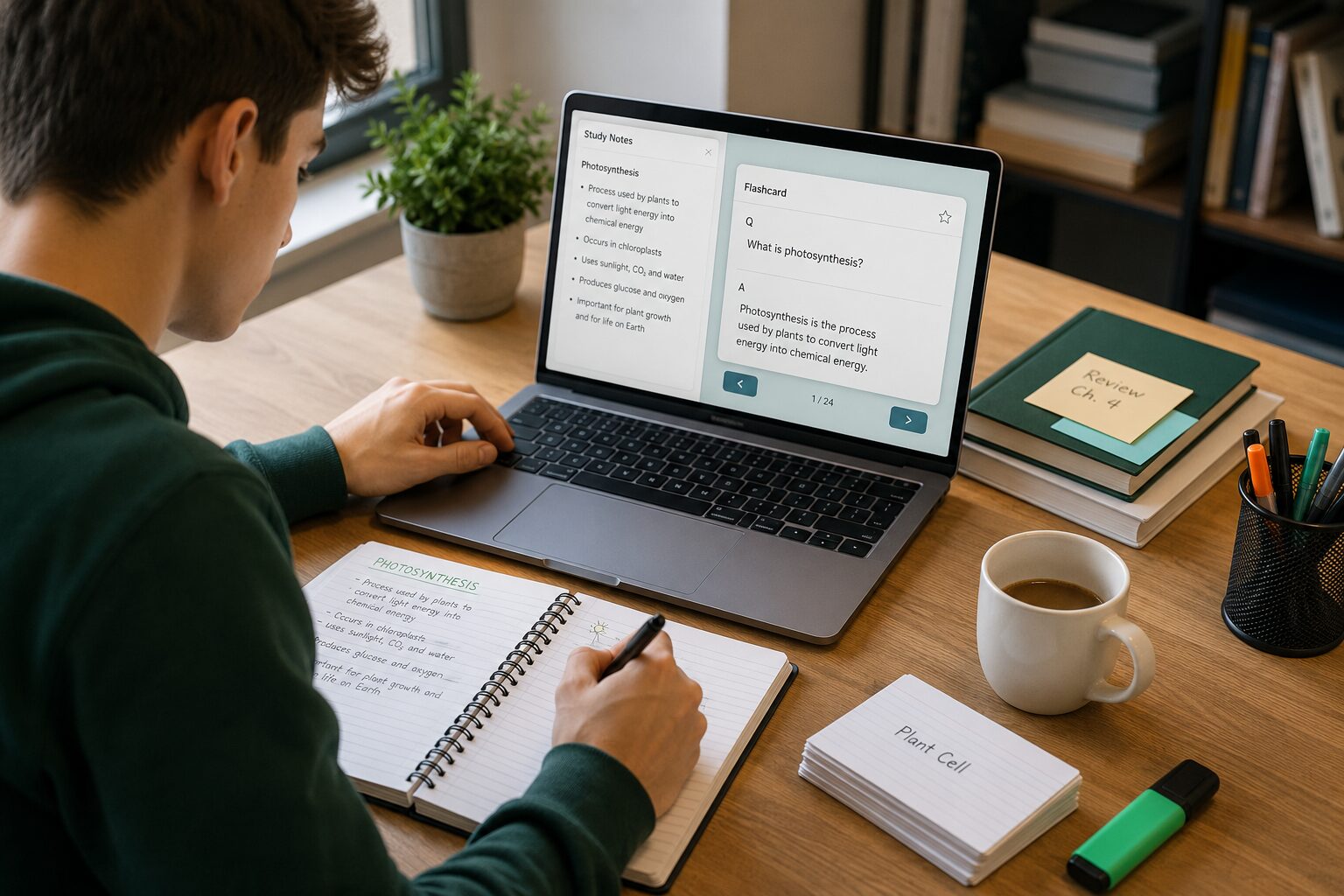
AI flashcards from notes are useful only when the cards remain faithful to the original material. The fastest workflow is not “paste everything and accept the result.” It is: clean a small section of notes, generate several kinds of questions, check every answer against the source, and then revise with active recall.
This guide shows that process with a worked example. It is for students who already have lecture notes, reading notes or a class outline and want a dependable study deck—not hundreds of generic cards.
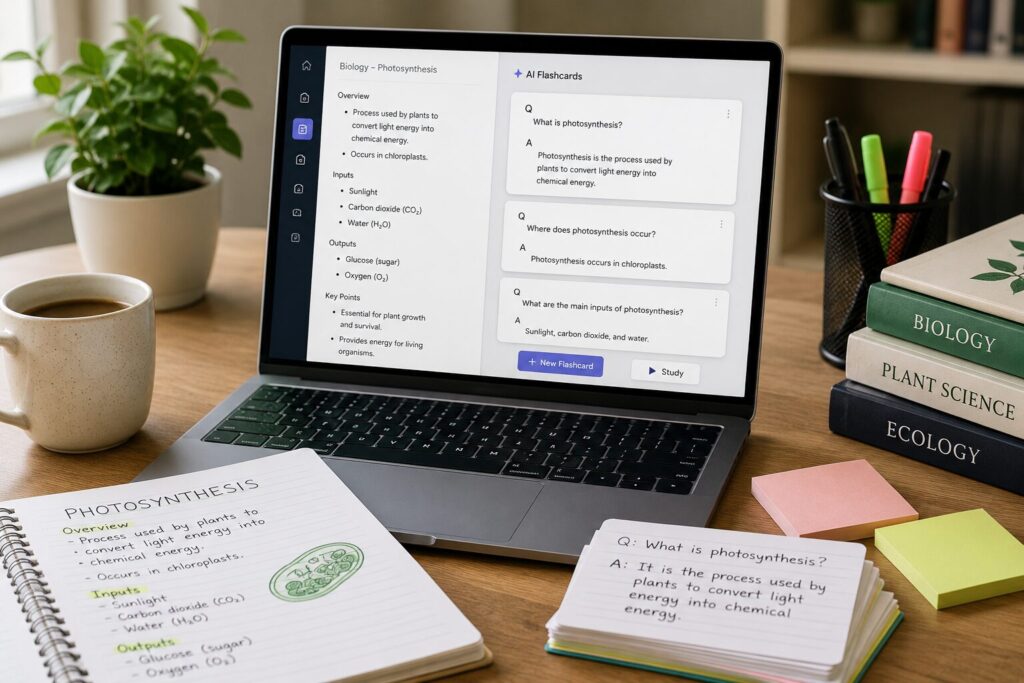
The short version: a reliable six-step workflow
- Choose one learning objective. Do not begin with an entire semester of notes.
- Clean the source. Add missing headings, definitions and context.
- Generate mixed card types. Include recall, comparison, application and error-correction questions.
- Verify each answer. Reject anything that is unsupported, vague or misleading.
- Edit for one idea per card. Short questions are easier to diagnose when you get them wrong.
- Study, tag and revise. The first review is a quality-control pass, not the finished deck.
1. Audit your notes before using AI
An AI tool cannot reliably reconstruct context that is absent from the source. Before uploading or pasting notes, look for four problems: unexplained abbreviations, copied statements without attribution, lists with no heading, and examples that are mixed with definitions.
| Problem in the notes | Why it produces weak cards | Quick repair |
|---|---|---|
| “STM → LTM” with no explanation | The model may guess what the abbreviations mean | Write the terms in full once |
| A long paragraph covering four ideas | Questions become broad or overloaded | Add subheadings or bullets |
| A definition without conditions | The answer sounds absolute | Add exceptions or scope from the course |
| An isolated example | The model may treat it as a general rule | Label it “example” and name the concept |
If your notes are incomplete, return to the lecture slides, textbook or recording first. AI can reorganize evidence you provide; it should not silently fill gaps in examinable material.
2. Work in small, meaningful sections
Divide the notes by learning objective or topic rather than arbitrary word count. A useful batch might be “explain classical conditioning” or “compare mitosis and meiosis.” This keeps the vocabulary and level of detail consistent, makes errors easier to trace, and prevents important ideas from being buried by a long input.
For each batch, preserve the heading, the relevant notes and any teacher emphasis such as “likely exam topic.” Remove administrative reminders and unrelated material. If privacy matters, also remove names, student details and unpublished personal information before sending the text to a third-party service.
3. Ask for cards that test more than recognition
A deck made entirely of “What is X?” questions is easy to generate but often too shallow. Use a deliberate mix:
- Direct recall: retrieve a precise term, date, formula or definition.
- Comparison: distinguish two easily confused concepts.
- Application: identify the concept in a new, short scenario.
- Sequence: reconstruct ordered stages without seeing them.
- Error correction: explain why a plausible statement is wrong.
Retrieval practice has strong experimental support: attempting to recall information can improve later retention more than additional study alone. It is not enough, however, to click “flip” without making a real attempt. See the classic Roediger and Karpicke study and the broader review of learning techniques by Dunlosky and colleagues.
A prompt that produces an auditable first draft
Use only the notes below. Create 12 flashcards for the learning objective “[insert objective].” Mix direct recall, comparison and application questions. Keep one testable idea per card. For every answer, add a short “source phrase” copied or closely paraphrased from the notes so I can verify it. If the notes do not support an answer, write “insufficient source” instead of guessing. Do not introduce facts from outside the notes.
The source phrase is temporary. It makes the generation step easier to audit; you can remove it from the final card after checking the answer.
Worked example: from rough notes to useful cards
Suppose the original note says: “Working memory has limited capacity. Chunking groups separate items into meaningful units. It does not increase raw capacity, but can make information easier to handle.”
| Version | Question | Answer | Verdict |
|---|---|---|---|
| Weak | What is memory? | The ability to store information. | Too broad and not supported by this note |
| Better recall | What does chunking do in working memory? | It groups separate items into meaningful units. | Directly supported |
| Better distinction | Does chunking increase the raw capacity of working memory? | No. It organizes items so they are easier to handle. | Tests a likely misconception |
| Better application | A student remembers 1-9-4-5 as “1945.” Which strategy is being used? | Chunking. | Useful if the example is compatible with the course definition |
The “better” cards are not longer; they are narrower and easier to verify. The application card adds an example, so it deserves an extra check. If your instructor uses a different definition or expects a specific example, follow the course source.
4. Verify every card with a simple decision rule
Read the question, answer it without looking, reveal the generated answer, and find its support in the notes. Then apply one of four labels:
- Keep: accurate, clear and aligned with the learning objective.
- Edit: correct idea, but vague wording or too much information.
- Split: two or more independent facts are being tested together.
- Delete: unsupported, trivial, duplicated or misleading.
Pay particular attention to invented causal links, absolute words such as “always,” reversed relationships, missing units and examples presented as rules. For high-stakes subjects, compare with the assigned source—not a general web answer.
5. Choose a tool based on the next step
The best tool is the one that preserves your source and supports the review method you will actually use. Knowt combines import and study modes. Google NotebookLM can create flashcards and quizzes grounded in supplied sources. RemNote connects notes, flashcards and spaced repetition. Availability, quotas and paid features can change, so confirm the current plan before committing a large library.
For a side-by-side decision, see our AI flashcard generator comparison. If you specifically need a no-cost starting point, use the free-tool guide; note that “free” may refer to core study features rather than unlimited AI generation.
6. Turn the deck into a study system
Organize cards by topic and learning objective, not by the date they were generated. During review, say or write the full answer before revealing it. Mark uncertain cards, revisit the source, and rewrite the prompt only when a pattern of errors appears.
Do not confuse a large deck with progress. Delete cards you have outgrown, suspend duplicates and add only the questions your course requires. Before an exam, combine flashcards with practice problems, explanation and mixed-question retrieval. Our exam flashcard workflow covers that stage in detail.
Common failure modes and fixes
| Failure mode | What it looks like | Fix |
|---|---|---|
| Cards are generic | Questions could fit any textbook | Add the learning objective and course terminology |
| Answers are too long | A paragraph appears on the back | Split into one decision or fact per card |
| False confidence | You recognize the answer but cannot produce it | Answer aloud before revealing the back |
| Source drift | The card adds claims absent from the notes | Require a source phrase and verify it |
| Deck overload | Hundreds of near-duplicates | Generate smaller batches and delete aggressively |
Frequently asked questions
Can AI make flashcards from handwritten notes?
Yes, after handwriting recognition converts the page into usable text, but transcription errors can become study errors. Check names, numbers, symbols and formulas before generating any cards.
How many cards should I generate at once?
There is no universal number. Start with one learning objective and a batch small enough to verify in one sitting—often 10 to 20 cards. Quality control is the limiting factor, not generation speed.
Should I let the tool use outside knowledge?
For course-specific revision, usually not on the first pass. Generate from the assigned notes, then add outside explanations separately and label them. This keeps the examinable source clear.
Are AI-generated flashcards accurate?
They can be useful first drafts, but accuracy depends on the notes, the model and the prompt. Treat every generated card as unverified until you can locate support in the source.
Editorial note: EduAI Tools does not accept payment for ranking tools. Product capabilities and plan limits were checked against official pages on September 4, 2026; they may change.